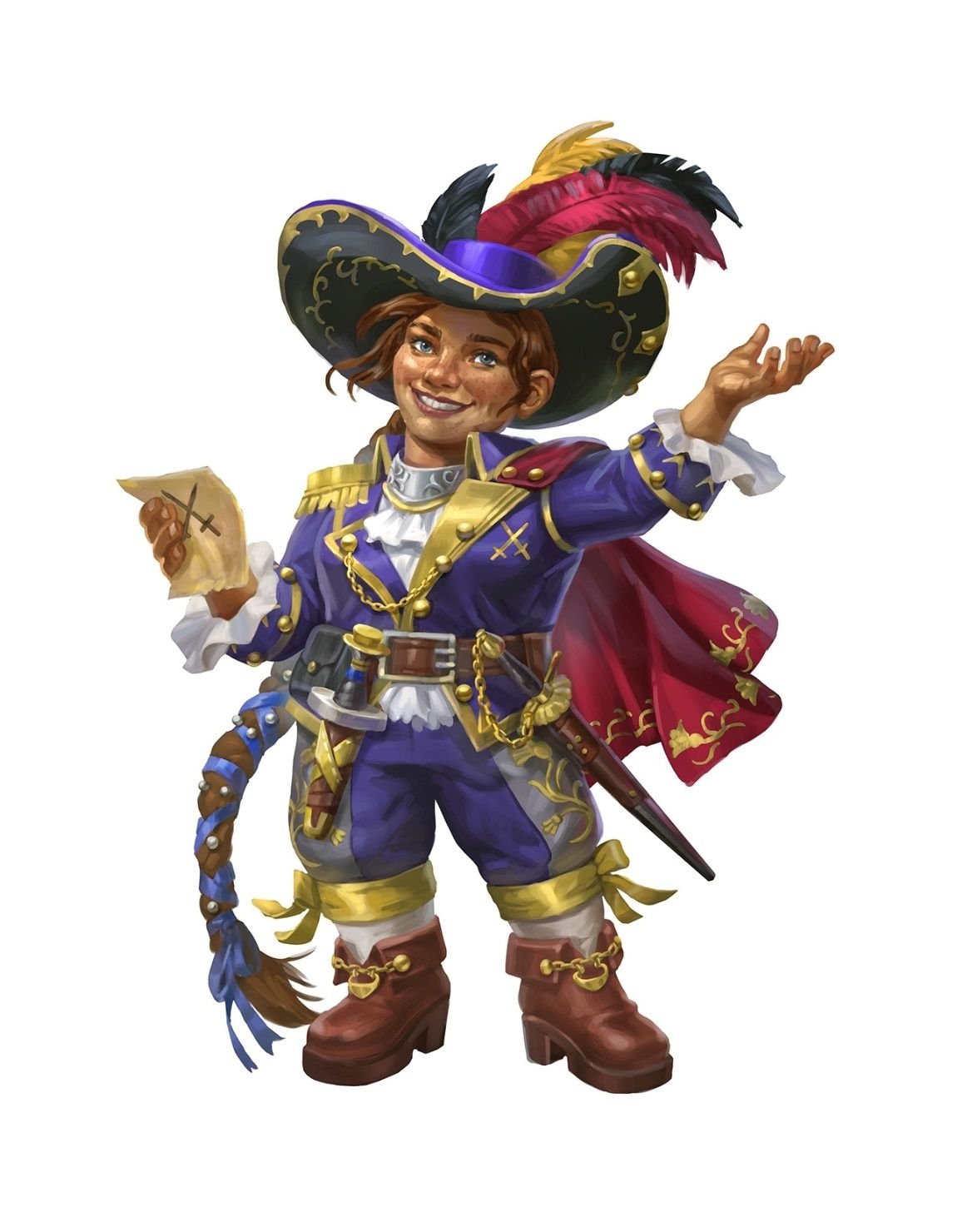
In the sprawling, imaginative realms of Dungeons & Dragons, your character is more than just a collection of stats—they're the heart of your story. But let's be honest: sometimes, staring at a blank character sheet (or a dozen empty avatar slots) can feel more like a chore than a creative spark. You want that perfect blend of surprise and control, that moment where inspiration strikes, but also the power to sculpt it into your unique vision.
This guide is for every Dungeon Master juggling a cast of NPCs, every player hunting for their next epic hero, and anyone who's ever thought, "I love random generators, but can I just… tweak that one thing?" We're diving deep into the art and science of Customizing Random D&D Characters with the incredible power of AI tools, transforming chance encounters into meticulously crafted personas.
At a Glance: Crafting Your Vision with AI
- The Core Idea: Start with a random D&D character concept, then use AI tools to sculpt its visual and thematic details precisely to your liking.
- Why AI?: Generates high-quality, unique character art instantly, no drawing skills or hiring artists needed.
- Key Customization Points: Fine-tune race, class, art style, personality, clothing, and mood.
- For Everyone: Perfect for both detailed player characters (PCs) and quick, immersive non-player characters (NPCs).
- Beyond Art: AI character generation also helps solidify backstory ideas and campaign themes.
- Workflow: Generate, preview, refine with specific prompts, download, and integrate into your game.
From Blank Slate to Bespoke Hero: The Power of Customizing Random D&D Characters
We've all been there: a fresh campaign looms, a new character concept is needed, or perhaps your DM just sprung an unexpected NPC on you. The urge to roll a random character for inspiration is strong, but often, that initial roll feels… not quite you. Maybe the race is perfect, but the suggested class feels off. Or the personality is intriguing, but you can't quite visualize them.
This gap between raw randomness and personal vision is where AI character generators shine. They offer a potent middle ground, giving you the best of both worlds: the spark of an unexpected combination and the granular control to mold it into a character that truly resonates. Imagine generating an elf rogue, then telling the AI to make them look "weary, with practical leather armor and a hidden dagger," all without sketching a single line. That's the magic we're talking about.
Unlocking Creative Flow: How AI Transforms Character Creation
Historically, bringing a random character idea to life involved either settling for generic descriptions, slogging through drawing attempts, or commissioning an artist (which, let's face it, isn't always feasible for every Goblin #3). AI tools, specifically generators like Vheer's Random DND Character Generator, have completely redefined this process.
This free, AI-powered platform isn't just a randomizer; it's a full-fledged creative partner. It provides detailed, high-quality D&D character art instantly and, crucially, allows for deep customization. No watermarks, unlimited generations, and incredibly fast—it's designed to remove friction from your creative flow. The result? More time playing, less time drawing or agonizing over character visuals.
Your Customization Canvas: Diving Deep into AI Generator Features
The beauty of a tool like Vheer's lies in its intuitive design, offering powerful customization without overwhelming you. It's built on a system of choices that let you start broad and narrow down to the specific vision in your head.
The Foundational Choices: Race, Class, and Gender
These are the pillars of any D&D character, and the AI generator gives you a robust selection to begin your customization journey. Whether you prefer to select them outright or let the tool surprise you with a full-random option, you're always in control of the next step.
- Races Galore: From the classic Human, Elf, Dwarf, and Halfling to more exotic options like Dragonborn, Gnome, Aasimar, Goliath, Orc, and Tiefling, the spectrum is wide. Each race carries inherent visual characteristics that the AI understands and integrates into its artwork.
- Classes Defined: Whether your character wields steel, spells, or shadows, the tool has you covered. Warrior, Sorcerer, Bard, Ranger, Rogue, Cleric, Paladin, and Wizard are all available, guiding the AI to render appropriate gear, posture, and general aesthetic.
- Gender: A simple yet crucial choice that guides the AI's depiction, allowing you to quickly define the character's core visual presentation.
Pro Tip: If you're truly stuck, hit the "full-random" button a few times. You might stumble upon a combination (say, a Dragonborn Bard) that you never considered but instantly sparks an entire backstory! Once you have that initial spark, you can then begin to hone your vision using the more granular tools available to generate a random D&D character that aligns perfectly with your concept.
Visual Flair: Choosing Your Art Style
The style of your character art dramatically impacts its feel and how it integrates into your game. This is a powerful customization lever that goes beyond just the character's traits. Vheer's generator offers a fantastic array of options:
- Realistic Illustration: For those who prefer a grounded, detailed look.
- Anime/Manga: Perfect for a vibrant, dynamic, and stylized aesthetic.
- Pixel Art: Evokes retro charm, great for older game styles or unique online avatars.
- Watercolor Painting: Offers a softer, more ethereal, or dreamlike quality.
- Fantasy Realism: A classic D&D feel, blending believable textures with heroic fantasy elements.
- Sketch/Line Art: Ideal for a raw, artistic, or even "concept art" vibe.
- Comic Book: Bold lines, strong colors, and a dynamic, action-oriented feel.
- Art Nouveau: Elegant, flowing lines and decorative motifs for a sophisticated touch.
- Vintage Portrait: A timeless, classic feel, perhaps for a character with a long history.
Consider this: A "Goliath Warrior" rendered in "Fantasy Realism" will feel vastly different from the same character in "Anime/Manga" style. Experiment with styles to find what best fits your campaign's tone or your personal preference. This artistic choice can be just as impactful as their class or race when it comes to customizing your D&D characters.
Beyond the Basics: Specific Traits for Granular Control
This is where the true power of customization comes in. Once you've laid down the groundwork with race, class, and style, you can layer on specific descriptive terms to influence the AI's output, allowing you to sculpt the character's appearance right down to the details.
You can enter specific traits like:
- Personality: "stoic," "mischievous," "brooding," "jovial," "cunning."
- Clothing/Armor: "worn leather armor," "opulent robes," "tattered cloak," "practical adventurer's gear," "regal vestments."
- Mood/Expression: "intense gaze," "sly smile," "weary," "determined," "serene."
- Physical Features: "long braided hair," "scarred face," "piercing blue eyes," "muscular build."
- Accessories: "grimoire at hip," "quiver on back," "holy symbol pendant," "pipe in hand."
Example: Instead of just "Elf Wizard," you might specify "Elf Wizard, wearing dark arcane robes, with a look of intense concentration, holding a glowing staff." The more descriptive you are, the closer the AI will get to your mental image. This level of detail ensures that even when you start to generate a random D&D character, you can quickly pivot to a highly customized outcome.
The Customization Workflow: From Idea to Illustration
So, how do you actually use these features to tailor a random character to your exact vision? Let's walk through a practical workflow.
Step 1: Sparking the Idea (or Nailing One Down)
You have two main paths here:
- The "I Need Inspiration" Path: Click the "full-random" button on the generator. Let it surprise you with a few combinations of race, class, and initial look. See what catches your eye. Perhaps a Tiefling Rogue appears, and you think, "Yes, but I want her to look more like a charming trickster than a dark assassin."
- The "I Have a Concept" Path: You already know you need a Dwarf Cleric for your party. Great! Select "Dwarf" for race and "Cleric" for class.
Step 2: Laying the Foundation: Race, Class, and Gender
Regardless of your starting path, your next step is to confirm (or select) the core identity. Use the dropdowns to pick your chosen race, class, and gender. This sets the base model for the AI.
Step 3: Choosing Your Aesthetic: Art Style Selection
This is where you decide the overall vibe. Think about your campaign. Is it gritty and realistic? Go for "Fantasy Realism" or "Realistic Illustration." Is it whimsical? "Watercolor Painting" might be perfect. Playing a classic dungeon crawl? "Pixel Art" could add a unique retro twist. Select the style that best conveys the character's world.
Step 4: Sculpting the Details: Prompting Specific Traits
Now, for the fun part: using text prompts to refine the character. This is where your descriptive abilities come into play.
In the text input field, type out the specific traits you want. Remember to be concise but descriptive.
Prompting Best Practices:
- Focus on Key Visuals: What's essential to their look? Armor, clothing, hair, specific items?
- Emotion and Personality: How do they carry themselves? What's their expression?
- Adjectives are Your Friends: "Old, wise wizard," "nimble, stealthy rogue," "brave, armored paladin."
- Combine Elements: Mix race, class, and descriptors: "Goliath Paladin, wearing ornate plate armor, with a stern, unwavering expression, holding a gleaming warhammer."
- Iterate: If the first result isn't perfect, tweak your prompt. Remove a word, add another, change an adjective. Each generation is fast, so experiment!
Step 5: Iteration and Refinement
The first image the AI generates might be 80% there. Don't stop! Use the prompt box to nudge it closer to your vision.
- Too serious? Add "with a mischievous grin" to your prompt.
- Armor not right? Change "plate armor" to "studded leather armor" or "simple chainmail."
- Needs an item? Add "carrying a weathered spellbook" or "with a trusty bow slung over her shoulder."
Continue adjusting your text inputs and regenerating until you have an image that perfectly matches your mental picture. The instant feedback loop is incredibly powerful for refining your custom D&D character art.
Advanced Customization Tactics: Elevating Your Creations
While the basic steps will get you far, a few advanced tactics can truly make your AI-generated characters sing.
Mixing and Matching: Limitless Combinations
Don't feel constrained by what's "typical." The generator thrives on diverse input. Want a Dragonborn Rogue in a Pixel Art style? Go for it! An Orc Sorcerer with an Art Nouveau aesthetic? Absolutely. The tool supports mixing and matching races, classes, genders, and art styles for truly limitless combinations, fostering unique characters that stand out. This freedom to combine disparate elements is a core strength when looking to customize random D&D characters effectively.
NPCs vs. PCs: Different Customization Needs
- For Player Characters (PCs): Invest time in detailed prompts. This character will be with you for potentially months or years, so getting the visual exactly right enhances your connection to them. Consider their backstory and personality, and ensure the art reflects that depth.
- For Non-Player Characters (NPCs): Speed is often key. You might generate a basic "Human Innkeeper" and then add "jovial, with a worn apron" for a quick, evocative visual. For villains, you might use more specific descriptors like "dark, cloaked figure, with menacing eyes" to convey an immediate threat. The goal is to quickly create memorable visuals that enhance immersion without hours of effort.
"Prompt Engineering Lite": Getting Better Results
Think of your prompt as a conversation with the AI. Clarity, specificity, and keywords are important.
- Prioritize Important Elements: Put the most crucial descriptors first.
- Use Commas for Separation: "Elf, Ranger, forest dweller, green cloak, bow in hand."
- Avoid Negations: Instead of "not wearing heavy armor," try "wearing light leather armor." AI models sometimes struggle with "not."
- Be Specific with Colors/Materials: "Crimson robes," "silver filigree," "dark steel armor."
- Action Verbs: While the tool primarily generates static portraits, some action-oriented terms can influence posture ("striding," "sitting," "defensive pose").
Troubleshooting: "It's Not Quite Right!"
If an image isn't hitting the mark, don't get frustrated.
- Simplify: Remove extraneous details from your prompt. Sometimes less is more.
- Add Specificity: If it's too generic, add more unique details (e.g., instead of "sword," try "longsword with a hilt shaped like a dragon").
- Try Different Styles: A particular style might not suit your character. Experiment!
- Reroll: Sometimes, the AI just needs another chance. Generate a few times with the same prompt. You might get variations that are closer to your vision.
- Break it Down: If you're trying to convey too much in one go, focus on the most important aspects first, then refine.
Why AI-Powered Customization is a Game Changer for D&D
The impact of tools like Vheer's Random DND Character Generator extends far beyond just pretty pictures.
Speed and Efficiency: No More Art Block Delays
Imagine needing a half-dozen unique NPC portraits for tomorrow's session. With traditional methods, that's hours of work, if you even have the skills. With an AI generator, you can have them ready in minutes. This speed drastically reduces prep time for DMs and allows players to quickly visualize multiple character concepts.
Visual Cohesion and Immersion for Your Campaign
Having consistent, high-quality artwork for your characters, whether PCs or NPCs, dramatically enhances immersion. Players can see their hero, DMs can present memorable faces for their allies and antagonists, and the entire table benefits from a shared visual understanding. These instant, downloadable illustrations can be used for player sheets, online avatars, social media, storytelling, and platforms like Roll20 or D&D Beyond, bringing tabletop games vividly to life.
Accessibility for All
Not everyone is an artist, and hiring one can be expensive. AI removes this barrier entirely. Now, anyone with an idea can generate stunning, professional-quality character art without needing drawing skills or a budget for commissions. This democratizes character visualization, opening up creative avenues for everyone. The ability to generate a random D&D character and immediately customize it makes high-quality visual aids accessible to every player and DM.
Frequently Asked Questions About AI Character Customization
Let's address some common queries that arise when using AI for D&D characters.
Is Vheer's Random DND Character Generator truly free?
Yes, according to the ground truth, Vheer's is a free, AI-powered tool that generates unlimited, watermark-free illustrations. This is a significant benefit, as many similar tools come with subscriptions or usage limits.
Can I use the generated images for my online campaigns or social media?
Absolutely! The fact that the illustrations are "watermark-free" and "downloadable" means they are yours to use. They are perfect for player sheets, online avatars, social media profiles related to your game, and integrated into virtual tabletops like Roll20 or D&D Beyond. They are designed to enhance immersion and bring your tabletop games to life in any medium.
What if the race or class I want isn't explicitly listed in the dropdowns?
While the tool supports a wide range of common D&D races and classes, some niche or homebrew options might not be explicit dropdown selections. In such cases, you can:
- Choose the closest equivalent: For example, for a "Githyanki Warrior," select "Warrior" and use the text prompt to describe "Githyanki features."
- Use specific prompts: Type the race/class directly into the text prompt field alongside other descriptors (e.g., "Bugbear Barbarian, covered in scars, wielding a greatclub"). The AI often has a broad understanding beyond the dropdown options.
How often can I generate characters, and are there any usage limits?
The generator is designed to create unlimited illustrations, allowing you to experiment freely without worrying about hitting a cap or paying for more generations. This encourages iterative customization and exploration.
Making Your Random Character Uniquely Yours
The beauty of Dungeons & Dragons lies in its infinite possibilities and the stories we tell together. AI character generators don't diminish that creativity; they amplify it. By taking the spark of a random idea and giving you the reins to meticulously customize its visual manifestation, these tools empower you to create characters that are not only unique but profoundly yours.
So go forth, experiment, and sculpt your vision. Whether you're bringing a grizzled veteran to life, conjuring a whimsical spellcaster, or populating your world with a vibrant cast of NPCs, the power to customize random D&D characters with AI is now firmly in your hands. Embrace the blend of chance and control, and watch your imagination take visual form. Ready to start building? You can dive right in and generate a random D&D character now.